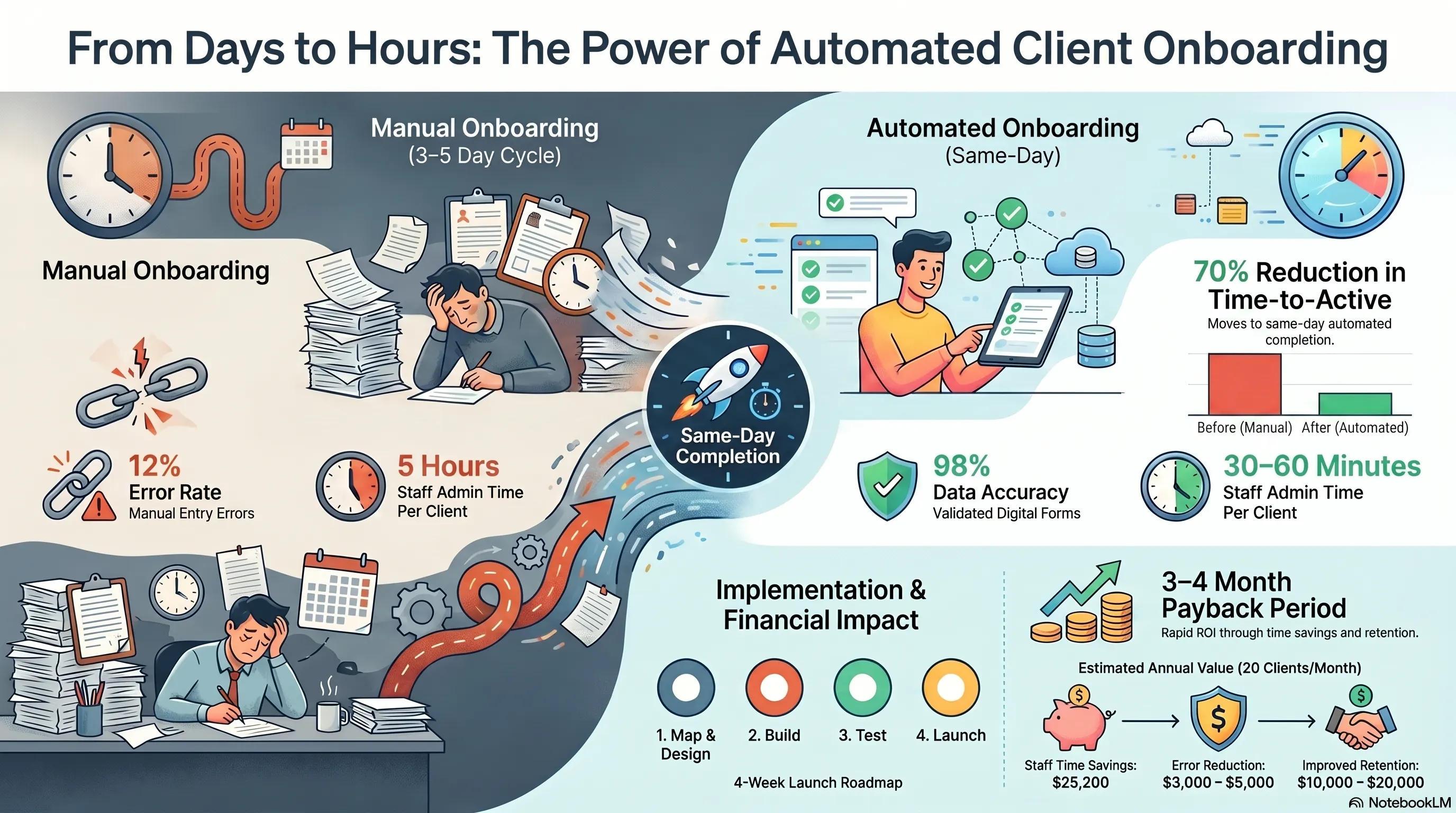
You closed the deal. The client is excited. Then reality hits: onboarding takes 3-5 days of back-and-forth emails, manual data entry, document collection, account setup, and welcome calls.
By day three, excitement fades. The client wonders if doing business with you will always feel this slow.
Client onboarding automation transforms this experience. Digital intake forms capture everything upfront. CRM records create automatically. Welcome sequences trigger without manual intervention. Task assignments happen instantly.
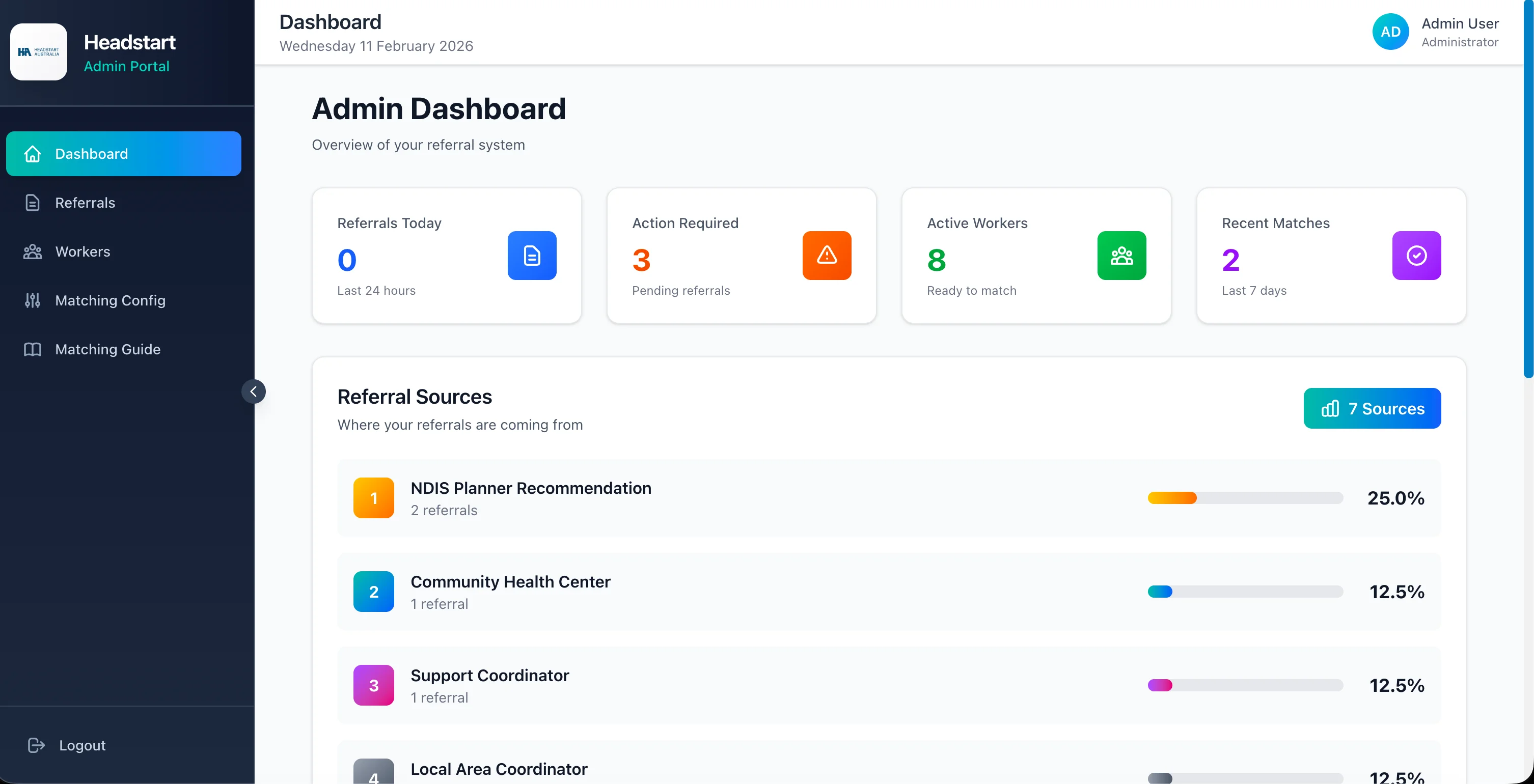
HeadStart Australia's public referral portal demonstrates this principle—participants complete a 4-step guided form anytime, and the system immediately enters referrals into the processing queue. This guide applies the same automation thinking to client onboarding for any service business.
⏳ The Manual Onboarding Problem: Death by a Thousand Emails
Manual onboarding follows a predictable (and painful) pattern:
Day 1: Sales closes deal, sends welcome email with PDF forms attached
Day 2: Client returns partial information. Staff manually enters data into CRM.
Day 3: Missing documents identified. Follow-up email sent. Client is busy—no response.
Day 4: Phone tag to collect remaining details. Someone creates accounts manually.
Day 5: Onboarding "complete." Client hasn't received their first real value yet.
The Hidden Costs:
- Staff time: 3-5 hours per new client on admin tasks
- Client frustration: 23% of customers consider switching during poor onboarding
- Delayed revenue: Services can't start until onboarding completes
- Error rate: Manual data entry causes mistakes in 8-12% of new client records
Warning Sign: If your onboarding checklist lives in a shared document that someone manually works through for each client, you're spending senior staff time on work a system should handle.
🔄 What Automated Onboarding Looks Like
Automated onboarding replaces email chains with structured, self-service workflows.
The Automated Flow:
- Deal closes → CRM trigger fires automatically
- Welcome email sent with personalized link to digital onboarding portal
- Client completes intake form → All fields validated in real-time (email format, required documents, phone verification)
- CRM record created/updated automatically with all captured data
- Internal tasks assigned to relevant team members based on client type and services purchased
- Welcome sequence triggered → Resource emails, scheduling links, getting-started guides
- Account provisioning → System access, portal credentials, or service activation initiated
- Completion notification → Team alerted that client is ready; client receives confirmation
HeadStart's Model: Their public referral portal accepts submissions 24/7 through a guided 4-step form. Information flows directly into the matching queue—no manual data entry, no business hours limitation.
Apply the same pattern: client self-service intake → automatic system processing → team notification when action is needed.
The Result? Onboarding that took days completes in hours, with zero data entry errors.
📋 Essential Components of an Onboarding Automation System
Component 1: Digital Intake Forms Replace PDF attachments with smart online forms that:
- Validate data at entry (catch errors before submission)
- Conditionally show fields based on service type
- Accept document uploads (contracts, IDs, insurance cards)
- Save progress so clients can complete across sessions
Component 2: CRM Integration Every form submission creates or updates CRM records automatically.
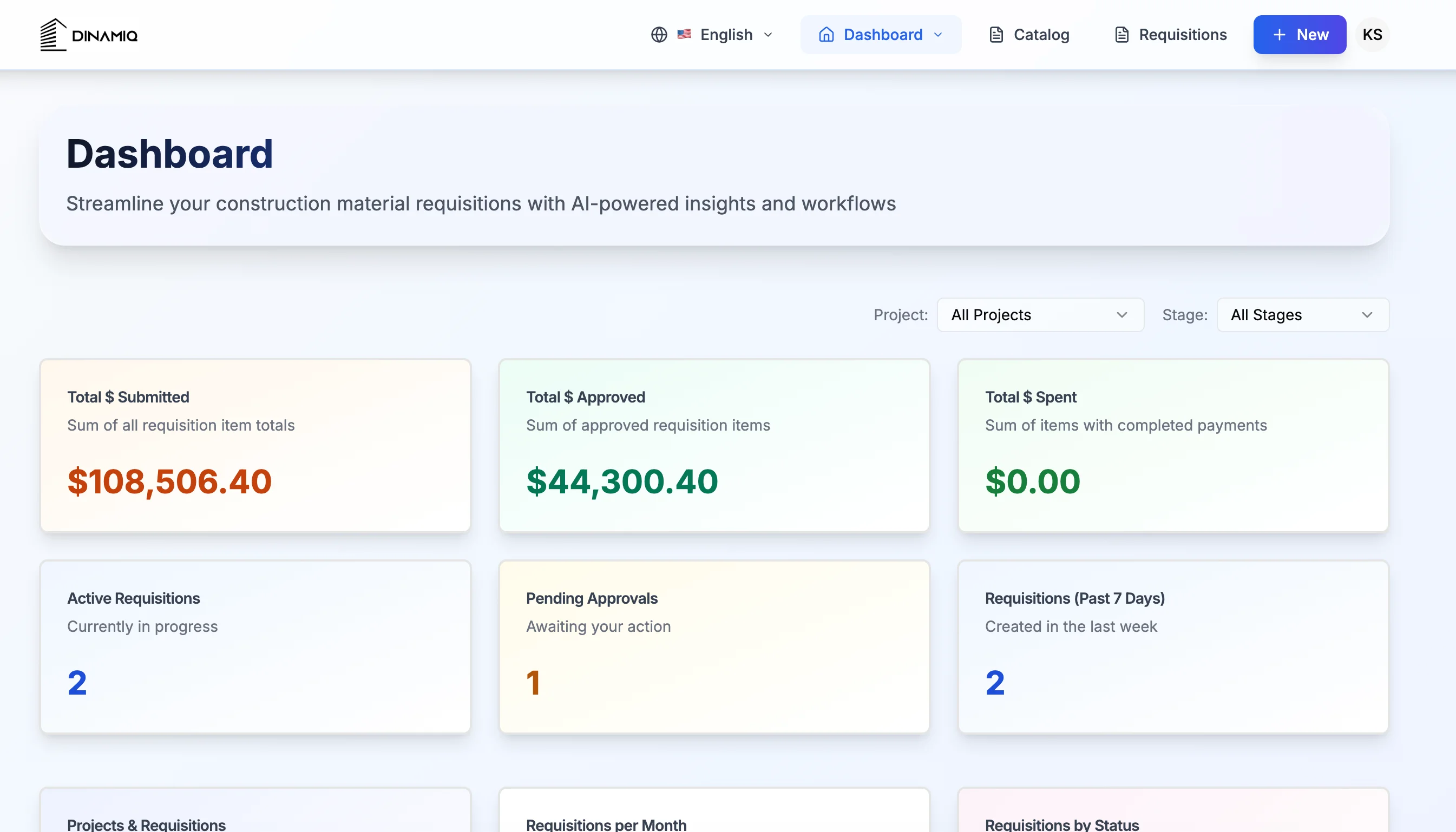
Dinamiq maintains 98% data accuracy by validating at capture. Onboarding forms should enforce the same standard—required fields, format validation, duplicate detection.
Component 3: Workflow Automation Trigger-based actions when onboarding milestones complete:
- Form submitted → Assign account manager
- Documents uploaded → Notify compliance team
- Payment received → Activate service
- All steps complete → Send "you're ready" confirmation
Component 4: Communication Sequences Automated but personalized emails at each stage:
- Welcome and portal link
- Reminder if form incomplete after 48 hours
- Confirmation when onboarding complete
- Getting-started resources and next steps
Component 5: Internal Dashboard Real-time visibility into onboarding pipeline:
- Clients in progress vs. completed
- Bottleneck identification (where do clients stall?)
- Average time-to-complete metrics
Warning Sign: If your onboarding automation sends emails but still requires manual CRM entry, you've automated notifications—not onboarding.
📊 Measuring Onboarding Success
Track these metrics to prove automation ROI:
Time-to-Active:
- Before: Days from contract signed to service delivery begins
- After: Hours from contract signed to service delivery begins
- Target: 70% reduction in time-to-active
Staff Hours per Client:
- Before: 3-5 hours of manual admin per new client
- After: 30-60 minutes of review and exception handling
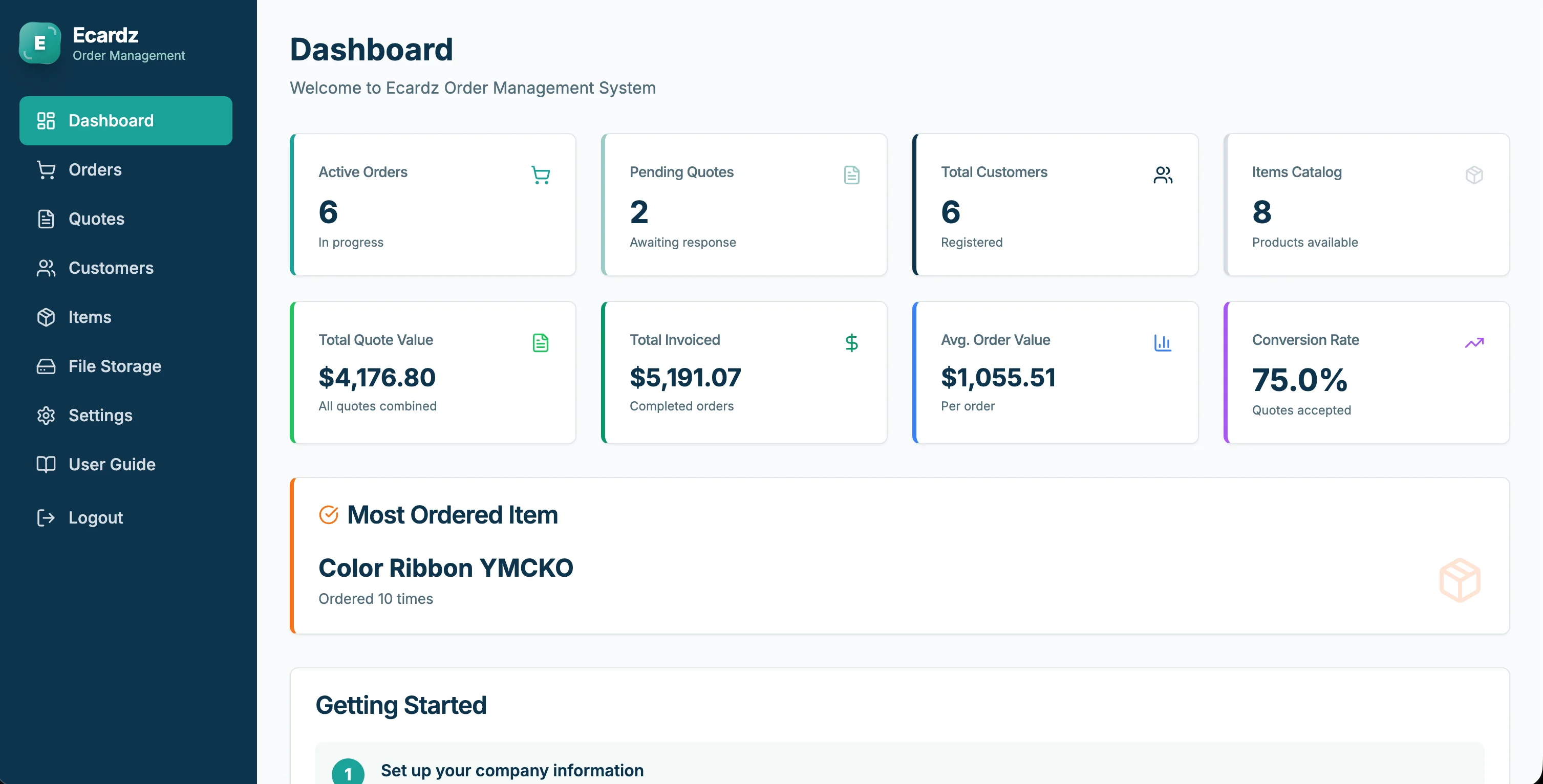
- Ecardz achieved similar ratios—70% faster processing across their order workflow
Completion Rate:
- Percentage of clients who complete onboarding without staff intervention
- Target: 85%+ self-service completion
Error Rate:
- Incorrect data in client records requiring correction
- Before: 8-12% with manual entry
- After: Under 2% with validated forms
Client Satisfaction:
- Post-onboarding survey scores
- Net Promoter Score during first 30 days
- Onboarding NPS typically improves 15-25 points with automation
The Result? When you measure these metrics, onboarding automation consistently shows ROI within 3-5 months through staff time savings alone—before counting improved client retention.
💰 Investment and ROI
Setup Costs:
- Digital form builder and workflow automation: $3,000-8,000
- CRM integration: $1,000-3,000
- Communication sequence setup: $500-1,000
- Timeline: 3-4 weeks
Ongoing Costs:
- Platform fees: $50-200/month
- Minimal maintenance once configured
ROI Calculation (20 new clients/month):
- Time saved: 3 hrs/client × 20 clients × $35/hr = $2,100/month
- Annual savings: $25,200
- Error reduction: $3,000-5,000/year
- Improved retention (5% fewer early churns): $10,000-20,000/year
Total annual value: $38,000-50,000
Payback period: 3-4 months
Warning Sign: Don't over-engineer onboarding automation on day one. Start with the intake form and CRM integration. Add workflow triggers and communication sequences in phase two.
🚀 4-Week Onboarding Automation Launch
Week 1: Map & Design - Document current onboarding steps (every email, form, and manual task) - Identify which steps clients can self-serve vs. need staff involvement - Design digital intake form with all required fields - Define automation triggers and notification rules
Week 2: Build - Create digital intake form with validation rules - Connect form to CRM (auto-create/update records) - Build welcome and reminder email sequences - Set up internal task assignment rules
Week 3: Test - Run 3-5 test onboardings with team members as mock clients - Verify CRM data accuracy and workflow triggers - Refine form fields based on test feedback - Train team on exception handling (when automation needs human intervention)
Week 4: Launch - Deploy for all new clients - Monitor completion rates and time-to-active daily - Collect client feedback on the new experience - Iterate on form fields and communication timing
The Result? Service businesses typically reduce onboarding time from 3-5 days to same-day within the first month—creating a competitive advantage that clients notice immediately.
💡 See These Strategies in Action
Real businesses, real results. Explore how companies implemented these concepts:
Key Takeaways
Quick wins and actionable insights from this guide:
- Manual client onboarding takes 3-5 days and 3-5 staff hours per client—automation cuts both by 70%
- Digital intake forms with CRM integration eliminate manual data entry and reduce errors to under 2%
- Automated workflow triggers assign tasks and send communications without staff intervention
- Track time-to-active, completion rate, and error rate to measure onboarding automation ROI
- Typical investment of $4,000-12,000 achieves payback in 3-4 months for businesses onboarding 10+ clients monthly
- Start with intake forms and CRM integration, then add workflow triggers and communication sequences
AI 101 Services Team
Business Automation Specialists
AI 101 Services helps service businesses implement AI automation solutions that deliver measurable ROI. With 21+ solutions delivered and 15+ clients served, we specialize in turning manual chaos into streamlined digital workflows.