You finished the work. You sent the invoice. Then… silence.
Chasing payment is awkward, time-consuming, and easy to postpone—especially when you're busy delivering for clients who do pay on time. Meanwhile, overdue invoices quietly stretch cash flow, delay supplier payments, and create stress you don't need.
Automated payment reminders solve the consistency problem: polite, scheduled follow-ups with a payment link, escalating only when needed—so humans step in for real disputes, not routine forgetfulness.
Businesses that automate receivables typically cut average days-to-paid by 7-21 days. This guide shows service businesses how to build a reminder system that gets you paid faster without sounding like a debt collector.
💸 The Hidden Cost of Manual Payment Chasing
Late payments aren't just "annoying." They're expensive.
Typical Service Business Pattern:
- •Invoices sent when someone remembers
- •First chase call/email 2-3 weeks late
- •No standardized tone or sequence
- •Owner ends up chasing personally (worst use of founder time)
Cash Flow Impact:
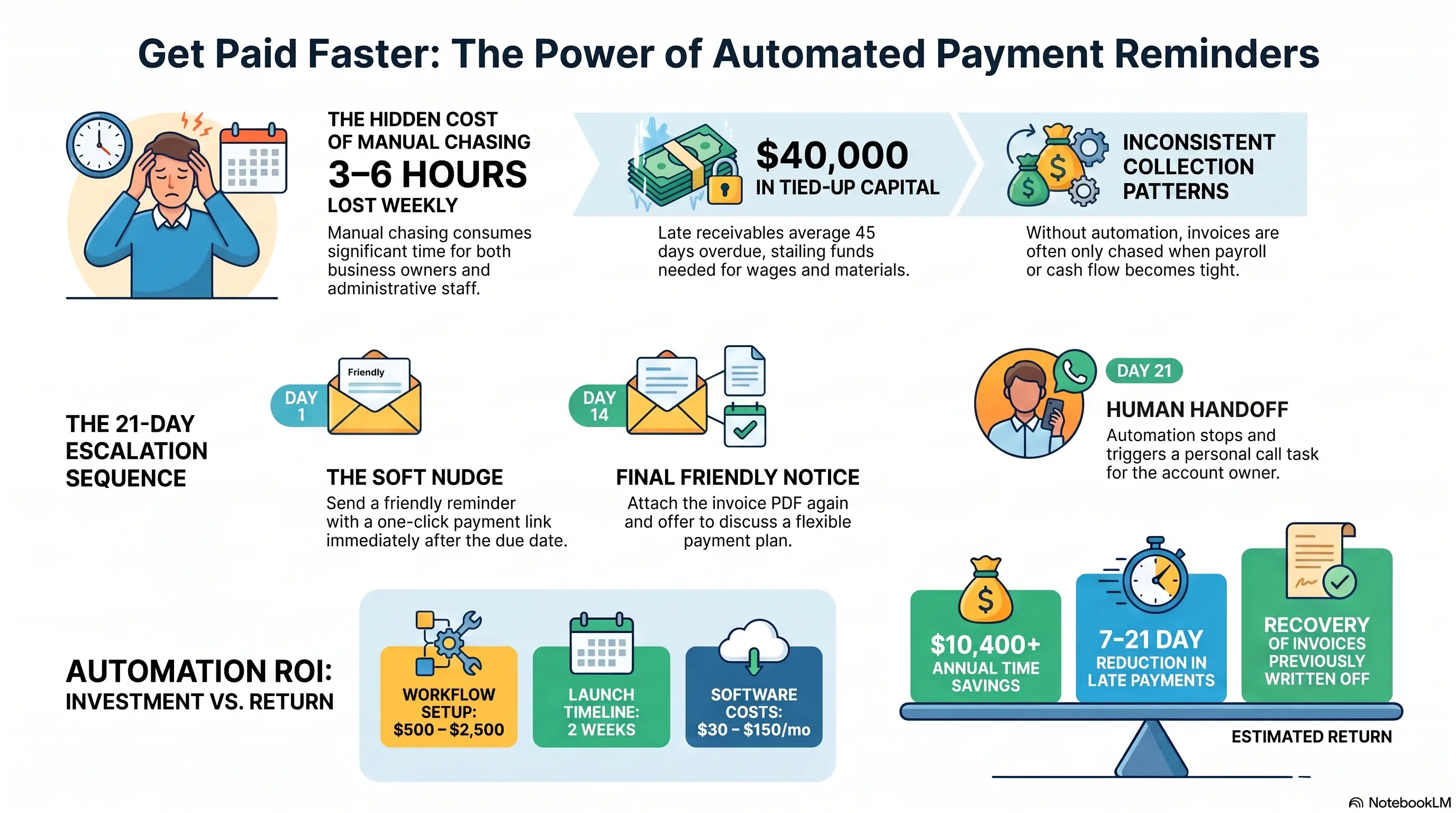
- •$40,000 in receivables averaging 45 days late ties up capital that could cover wages and materials
- •Overdraft fees and delayed supplier payments compound the pain
- •Team avoids awkward conversations → aging report worsens silently
Time Cost: Manual chasing easily consumes 3-6 hours weekly across admin and owners.
Warning Sign: If your aged receivables report only gets attention when payroll is tight, you need automation—not another stern conversation.
📧 The Polite Escalation Sequence That Works
Good reminder sequences assume forgetfulness first, not bad intent.
Recommended Sequence:
Day 0: Invoice sent with clear due date + one-click payment link
Day 3 before due (optional): Friendly heads-up for large invoices
Day 1 overdue: Soft reminder — "Just a nudge—invoice [#] is now due. Pay here: [link]"
Day 7 overdue: Firmer reminder + attach invoice PDF again
Day 14 overdue: Final friendly notice + offer to discuss payment plan
Day 21 overdue: Human call task created for account owner (automation stops soft-touching)
Channel Mix:
- •Email for documentation
- •SMS for open rates on overdue nudges (often 2-3x email)
- •Portal notifications if clients log in regularly
Tone Rules:
- •Short, clear, no shame
- •Always include amount, invoice number, due date, and pay link
- •Never threaten legal action in early automations
The Result? Most overdue invoices clear during the first two automated touches—without a human call.
⚙️ Triggers, Accounting Sync, and Stop Conditions
Reliable Triggers:
- •Invoice created/sent in Xero, QuickBooks, or job management tool
- •Payment status webhook marks invoice paid → sequence stops immediately
Critical Stop Conditions:
- •Payment received
- •Invoice voided/credited
- •Client replies (route to human)
- •Dispute flag raised
Partial Payments: Acknowledge remaining balance automatically; don't restart from zero tone.
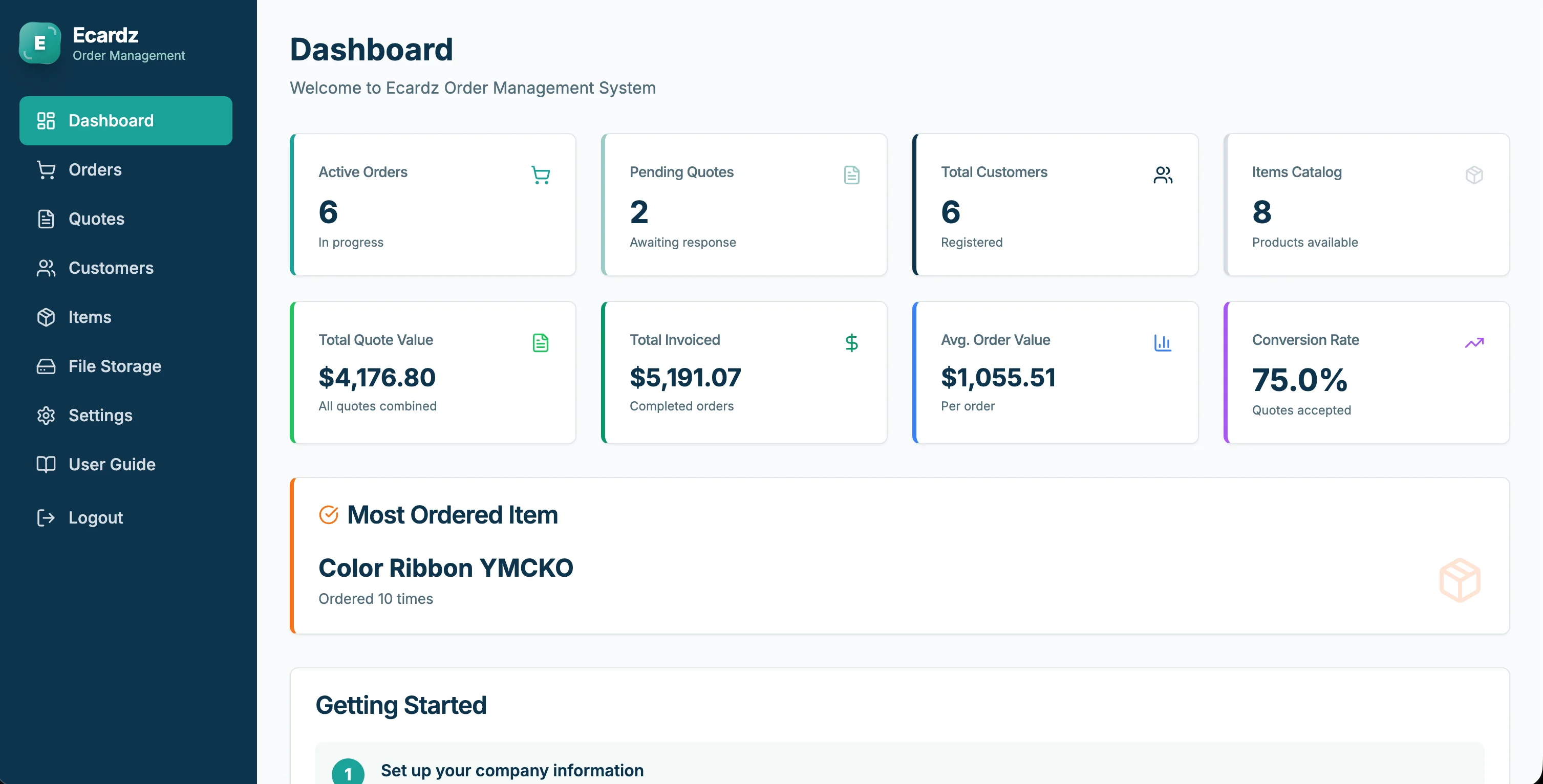
Ecardz / Invoice Parallel: Quote-to-cash automation only works if the cash step is as structured as the quote step. Reminder automation closes that loop.
Document Automation Tie-In: If invoices are still created manually days after job completion, fix invoice generation first—reminders can't collect what wasn't sent.
Warning Sign: If paid invoices still receive reminder emails, your payment sync is broken—and trust erodes fast.
🤝 Protecting Relationships While Getting Paid
Clients notice tone. Automation should feel professional—not robotic harassment.
Relationship Safeguards:
- •VIP / strategic accounts can use longer intervals or human-only chasing
- •First reminder thank them for the partnership
- •Offer "reply to this email" for issues—monitored inbox, not a black hole
- •Pause sequences during known billing disputes
Payment Options Reduce Friction:
- •Card/pay-now links beat bank transfer instructions buried in PDFs
- •Deposit + progress claims for larger projects
- •Autopay for retainers and memberships
Internal Visibility: Weekly dashboard: invoices sent, % paid on time, average days overdue, amount in each aging bucket.
The Result? Consistent, respectful reminders often improve relationships—clients prefer clear process over surprise awkward calls from the owner.
💰 ROI of Receivables Automation
Investment:
- •Reminder workflow setup: $500-2,500
- •SMS/email platform costs: $30-150/month
- •Timeline: 1-2 weeks
Returns:
Faster cash collection: Reducing DSO by 10 days on $30,000/month revenue meaningfully improves cash position
Time saved: 4 hrs/week × $50/hr × 52 = $10,400/year
Fewer write-offs: Systematic follow-up recovers invoices that previously aged into awkward abandonment
Payback period: Often under 30 days
Warning Sign: Track on-time payment rate monthly. If it doesn't rise within 60 days, your sequence timing or payment link friction needs work.
🚀 2-Week Payment Reminder Launch
Week 1: Design & Connect - Export aged receivables—identify pattern (who pays late, average days) - Write 4-message sequence with approved tone - Connect accounting software payment status to automation tool - Create SMS + email templates with merge fields
Week 2: Test & Go Live - Send test sequence internally - Verify stop-on-payment works (critical) - Enable for new invoices only first - After 7 days, optionally enroll mild overdue invoices carefully - Review reply handling daily for two weeks
The Result? Most service businesses see faster collections within the first billing cycle—and owners stop being the default debt collector.
💡 See These Strategies in Action
Real businesses, real results. Explore how companies implemented these concepts:
Key Takeaways
Quick wins and actionable insights from this guide:
- Manual payment chasing is inconsistent, awkward, and expensive in founder time and cash flow
- A polite multi-touch email/SMS sequence clears most overdue invoices before humans call
- Payment sync stop conditions are mandatory—never remind a client who already paid
- Send invoices same day as job completion; reminders can't fix invoices that go out late
- Reducing days-to-paid by 7-21 days is common with simple automation
- Launch in 2 weeks: templates, accounting sync, test stop-on-pay, then go live
AI 101 Services Team
Business Automation Specialists
AI 101 Services helps service businesses implement AI automation solutions that deliver measurable ROI. With 21+ solutions delivered and 15+ clients served, we specialize in turning manual chaos into streamlined digital workflows.