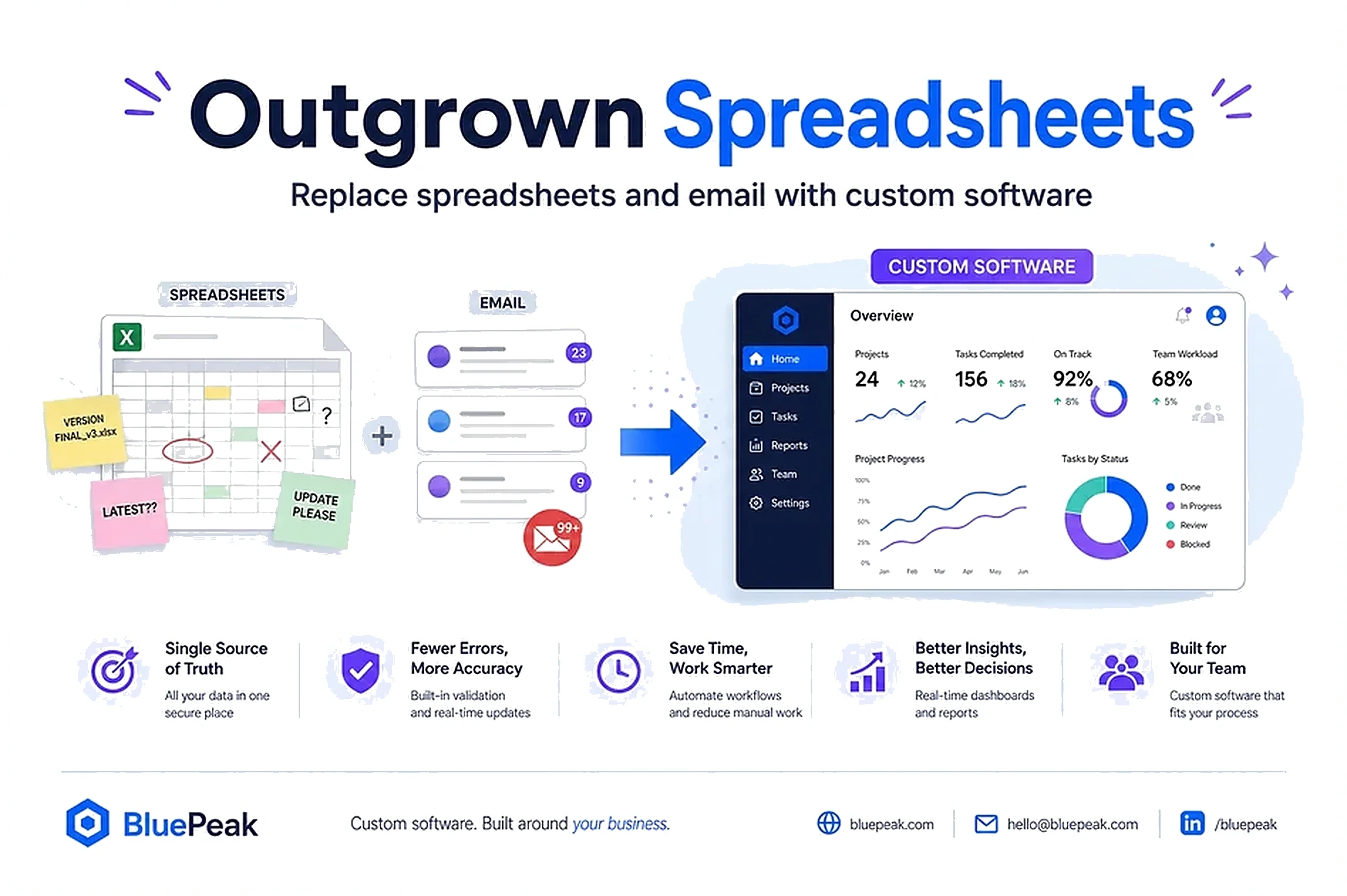
Spreadsheets are brilliant until they become the business.
Quotes live in inboxes. Orders hide in threads. Matching workers or verifying contacts means opening five files and hoping the newest tab is right. Work slows as volume grows—and hiring more people to maintain the same sheets is not a growth plan.
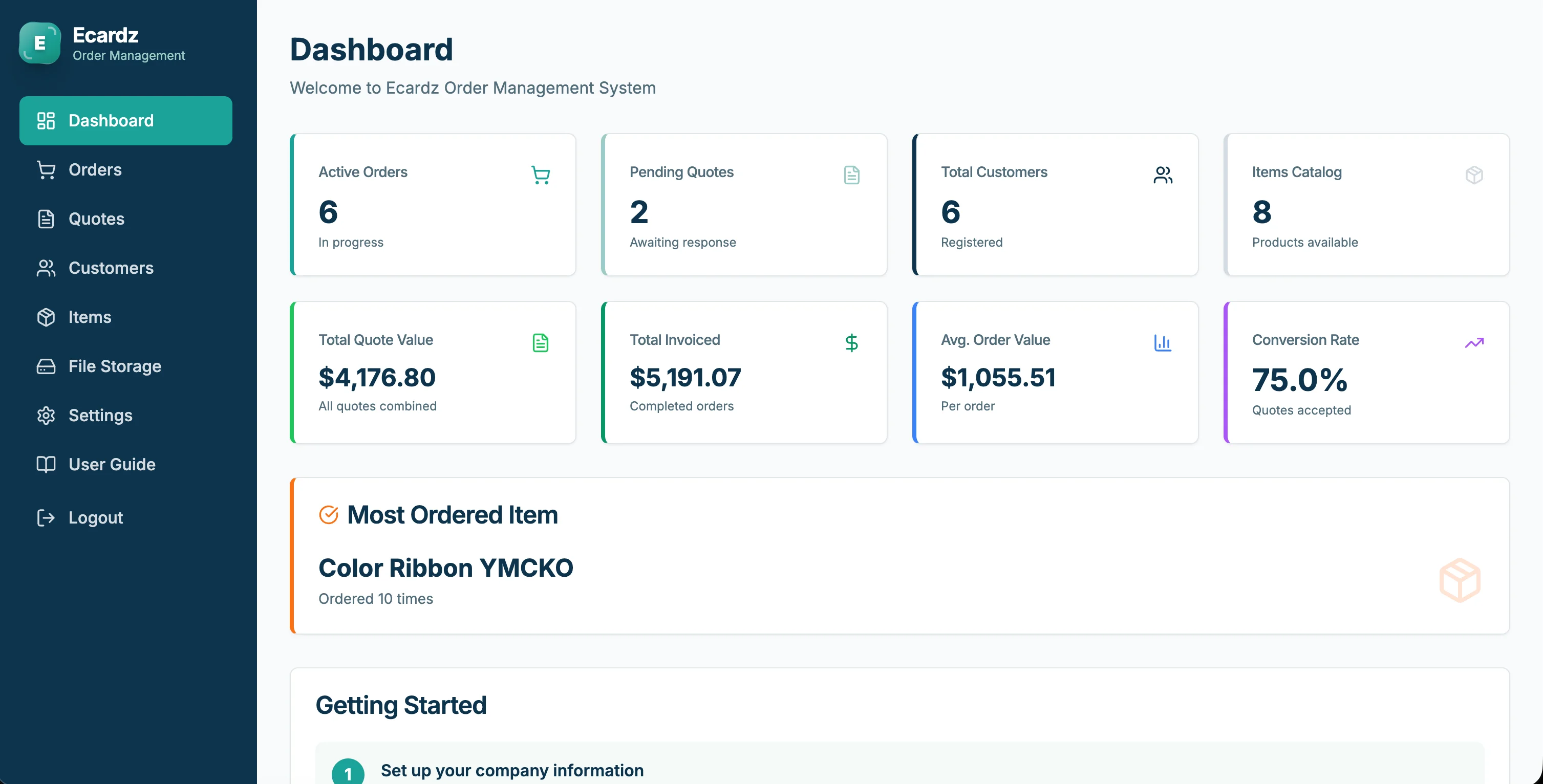
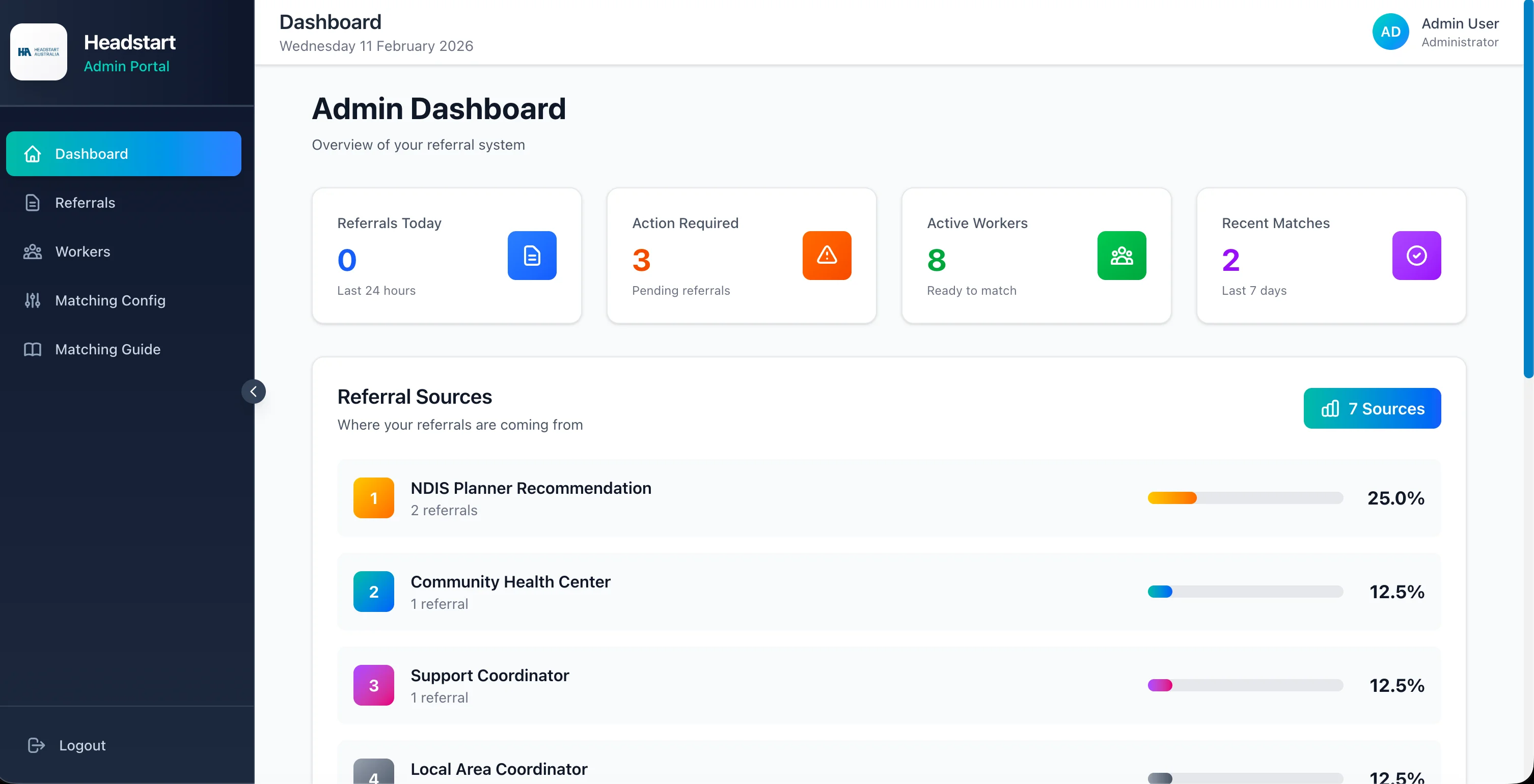
Ecardz was drowning in manual email-based quoting before a custom order management system delivered 70% faster processing. HeadStart spent 2–3 days coordinating NDIS matches in spreadsheets and calls before a platform cut that to 2–5 minutes. This guide shows the signs you have outgrown sheets—and how custom software replaces them without forcing a generic template.
📎 The Spreadsheet Ceiling
Sheets fail quietly, then all at once.
Common failure modes:
- Two people edit different copies; nobody knows which is true
- Formulas break when a column shifts
- Attachments and approvals stay in email while the sheet only holds a status guess
- Reporting means rebuilding pivot tables every Monday
Email compounds it: Quotes, change requests, and "quick questions" never make it back into the sheet. The real system is the inbox.
Warning Sign: Your team says "search your email for the latest version" more often than they open the master file.
🚩 Five Signs You Need a Real System
- Volume outgrew the tab. More orders or referrals mean more hours of copy-paste, not more throughput.
- Handoffs drop. Sales, ops, and finance each keep their own sheet; customers feel the gaps.
- Audits are archaeology. Reconstructing what happened last month takes a full day.
- Growth means headcount for admin. You plan to hire people to do what the sheet already does poorly.
- Off-the-shelf tools do not fit. You tried a generic app and bent your process—or paid for features you never use.
If three or more sound familiar, you are past "one more template." You need software that matches how you work.
That is the core of our custom software development work: platforms, CRMs, portals, and ops tools built around the process—not the other way around.
🏭 Quote-to-Cash: Ecardz Left the Inbox
Print and manufacturing quoting is a classic spreadsheet trap: pricing history in old emails, orders tracked by memory, no single stage view.
Before: Manual email-based workflows for quotes and orders.
After: A custom OMS with quote-to-cash automation and a 7-stage pipeline—70% faster order processing.
What changed structurally:
- Quotes, approvals, payments, and fulfillment on one record
- Visibility across stages instead of "who has the email?"
- Calculations and handoffs that do not depend on one person's folder
The Result? The team still quotes and produces—they just stop hunting. Read the Ecardz case study for the full pipeline.
🤝 Matching at Scale: HeadStart Left the Spreadsheet
Care and workforce matching dies in grids of availability and phone tag.
Before: 2–3 days to match NDIS participants with workers—calls, email chains, spreadsheet searching across a 20+ worker network.
After: AI-powered matching platform: 2–5 minutes, 100% automated matching workflow for the structured steps.
What the platform held that sheets could not:
- Availability, location, and services as structured data
- Consistent matching rules instead of tribal knowledge
- A record staff could trust without rebuilding filters each time
The Result? More referrals with the same team—because growth no longer required more admin hours per match. See the HeadStart case study.
🚀 How to Leave Spreadsheets Without Boiling the Ocean
Do not "digitise everything." Replace the worst sheet first.
Practical sequence:
- Pick the workflow that causes the most rework (quotes, matching, booking, lead intake)
- Map what must stay from today's process
- Define the first live system and the data to import
- Ship, train, and retire the sheet for that workflow only
- Add AI or extra modules only after the record is clean
Most custom builds go live in about 3 weeks, including deployment and training. Spreadsheet replacement succeeds when the new system is narrower and clearer than the old workbook—not when it tries to recreate every tab on day one.
If AI is unclear, start with software. Agents belong where the workflow already has a trustworthy record—covered in our software-first guide and on the custom development page.
💡 See These Strategies in Action
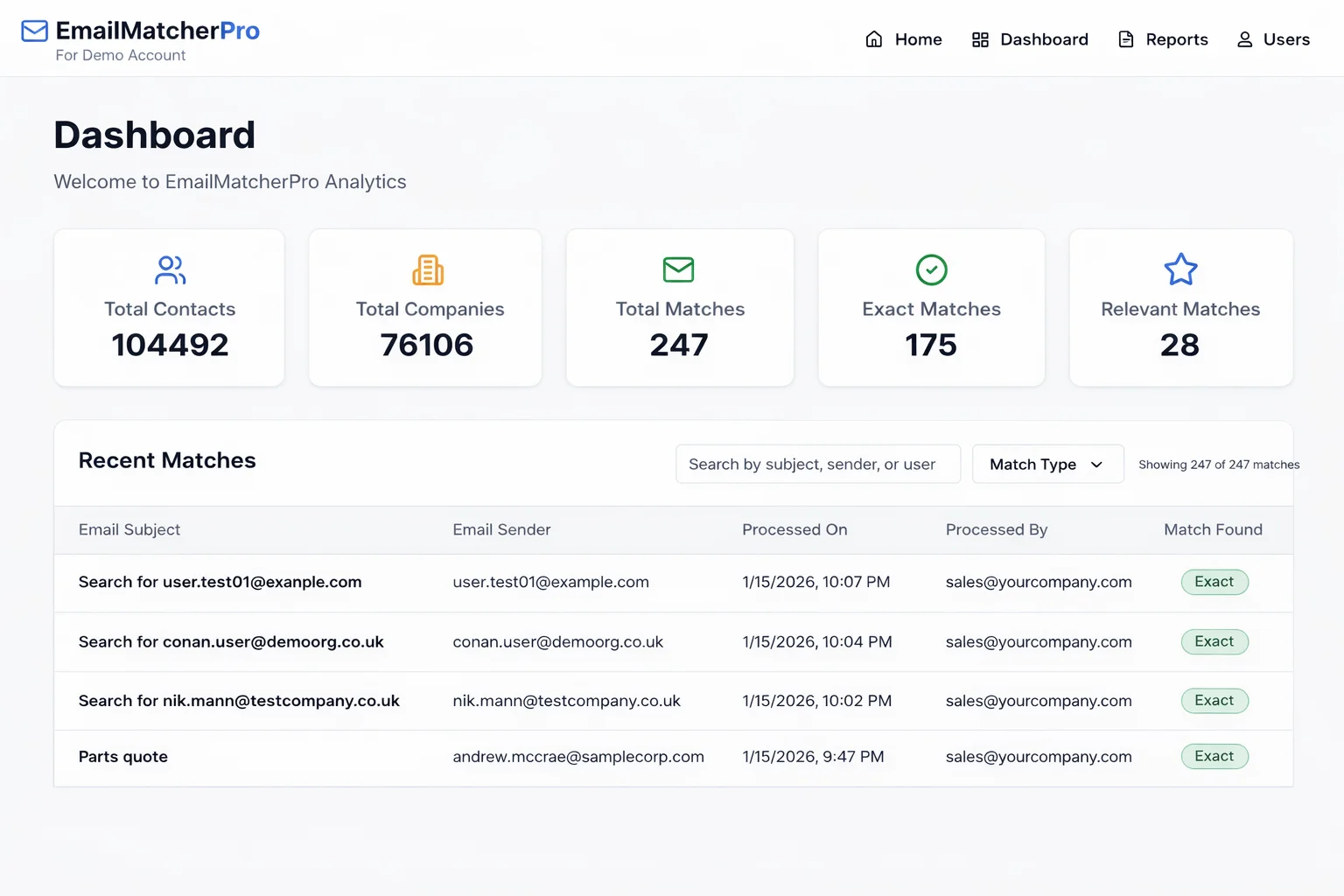
Real businesses, real results. Explore how companies implemented these concepts:
Key Takeaways
Quick wins and actionable insights from this guide:
- When spreadsheets and email own quotes, orders, and handoffs, growth stalls under admin load
- Five signs: volume ceiling, dropped handoffs, audit archaeology, admin hiring, and tools that do not fit
- Ecardz cut order processing 70% by moving quote-to-cash out of email into a custom OMS
- HeadStart cut matching from 2–3 days to 2–5 minutes by replacing spreadsheet coordination
- Replace the worst workflow first; retire that sheet before expanding scope
- Most focused custom builds go live in about 3 weeks with training included
Karandeep Singh
Co-Founder
Karandeep leads strategy and customer success at AI 101 Services. After fifteen years at Deloitte and Accenture, he helps growing businesses decide what to build—and ship custom platforms, CRMs, and automation that fit how teams actually work.
More about Karandeep